


01
Set up your business
Add your business profile, logo, contact details, and the clients or catalog items you bill regularly.
Mobile invoicing built for people who would rather get paid than wrestle with paperwork.
For freelancers, contractors, and small business owners.
Invoice from Anywhere
Create invoices and estimates on your iPhone or iPad. Switch between workflows without rebuilding client data.
Nothing Gets Lost
Share branded PDFs by email, message, or print. Track which documents are sent, paid, or still outstanding.
Your Brand, Built In
Three PDF templates with custom color controls. Add your logo and deliver documents that are distinctly yours.
Your dashboard
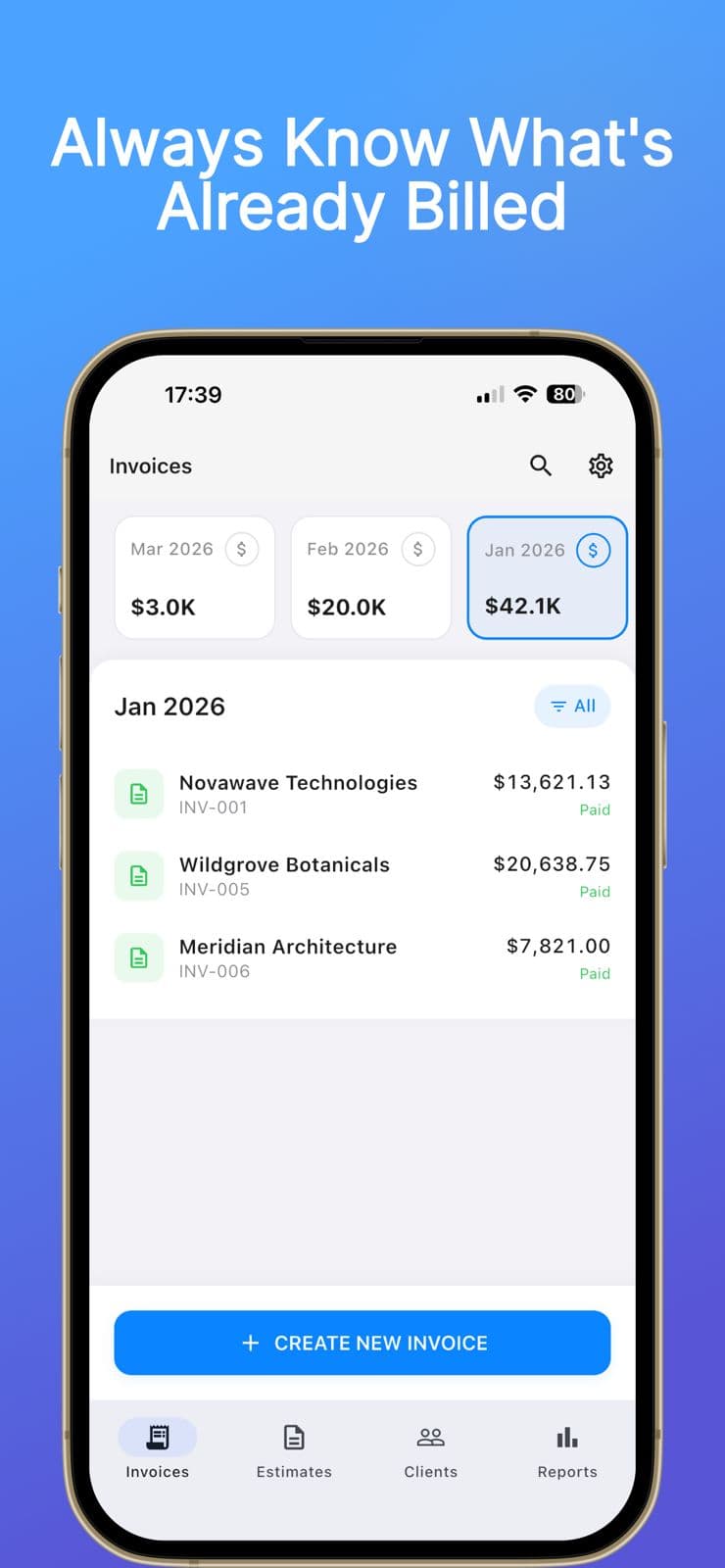
See every document you've created — draft, sent, paid, or converted. The status of your billing work is always visible without digging through emails or folders.
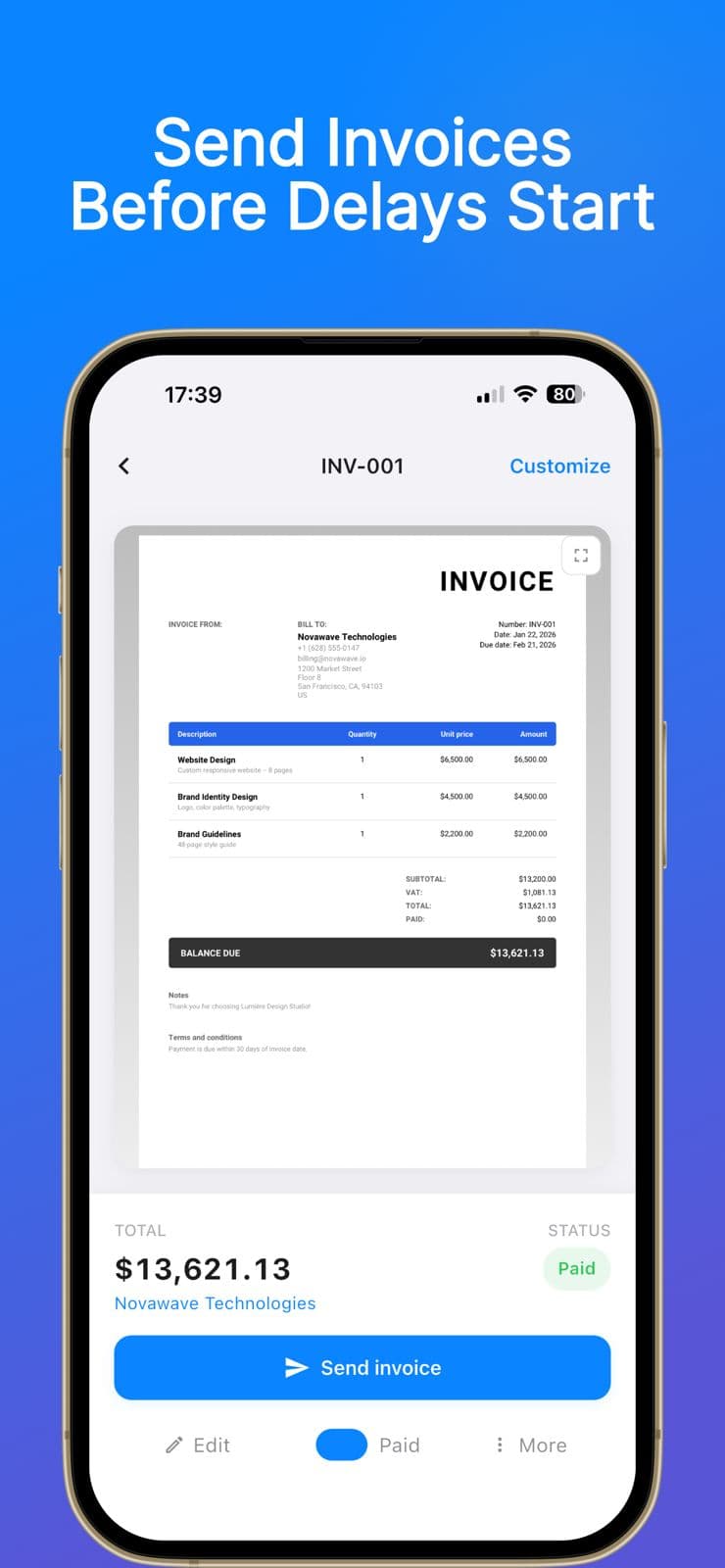
Invoice creation
Add line items, quantities, taxes, and discounts in a structured flow. Every detail your client needs is accounted for before you hit send.
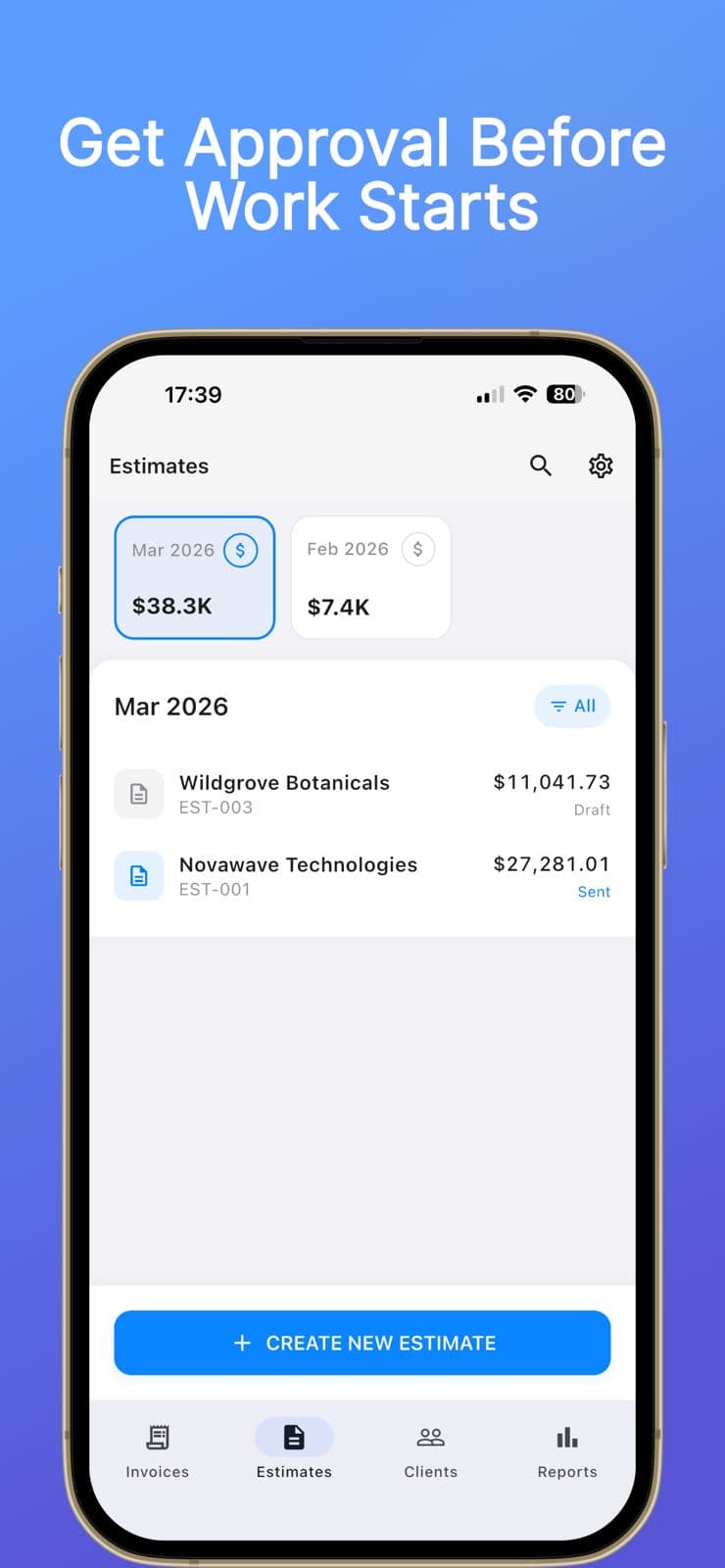
Estimates
Win the job with a professional estimate, then turn it into an invoice the moment it's approved — without re-entering a single line item.
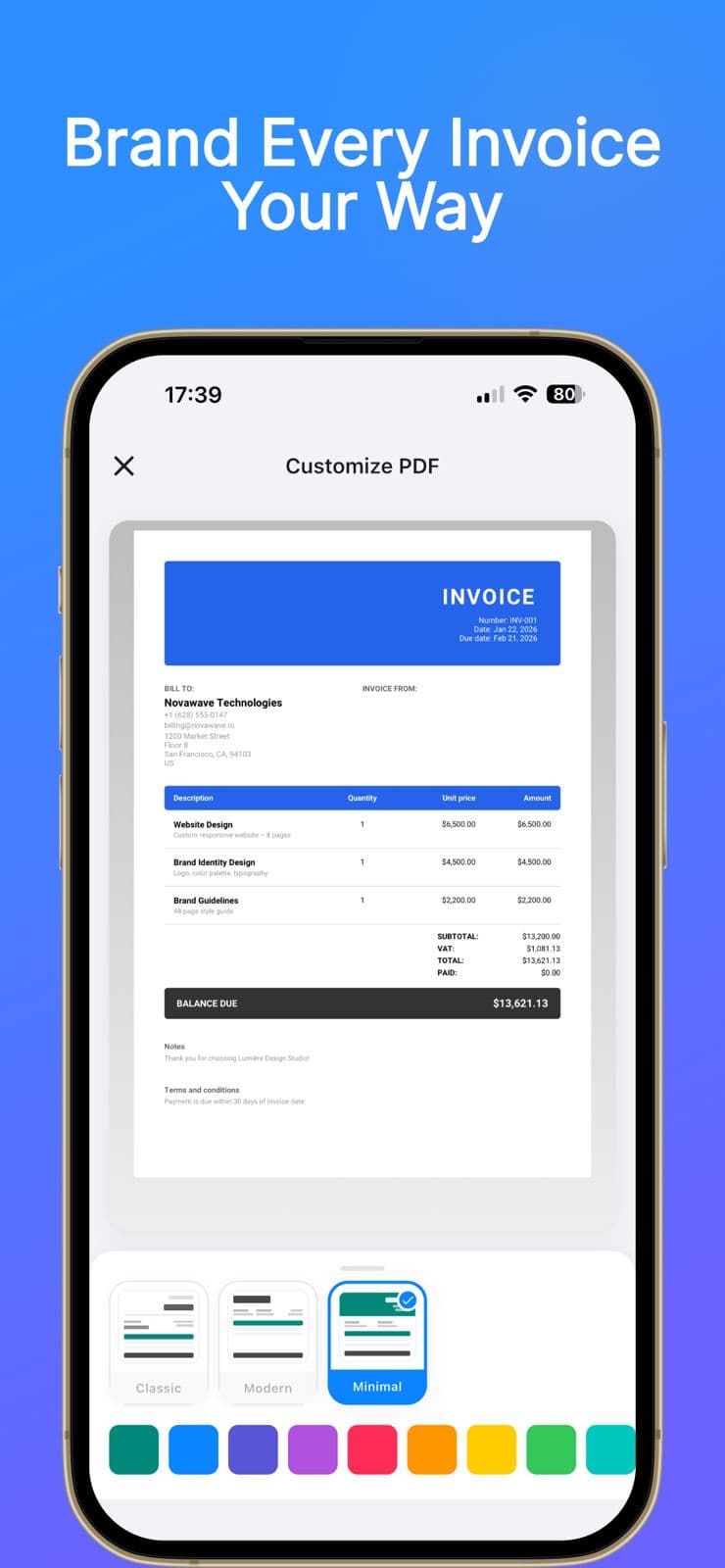
Branding
Choose from classic, modern, or minimal PDF layouts. Dial in a primary color that matches your brand, add your logo, and deliver documents that are distinctly yours.
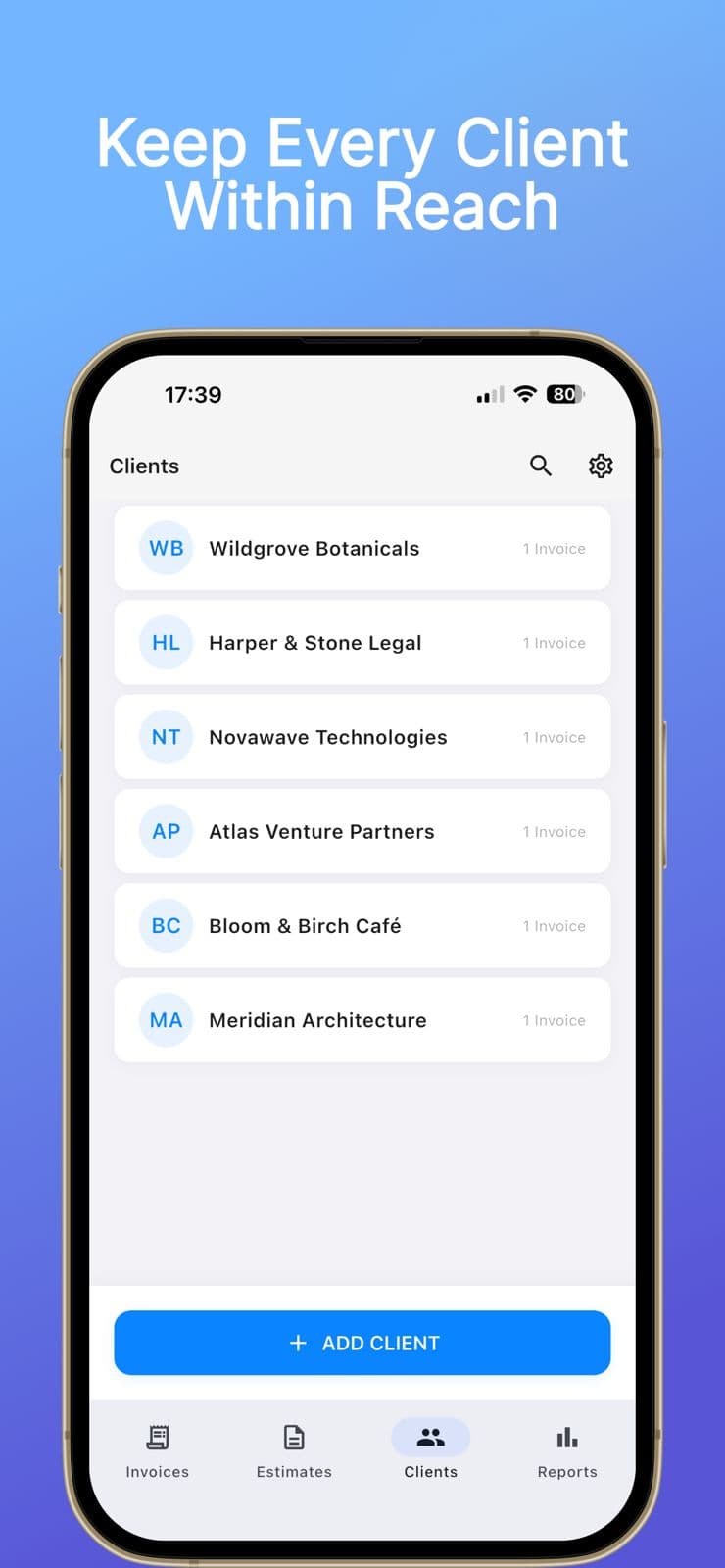
Client management
Store contact details, addresses, and billing info for every client. Manage multiple business profiles and switch between them without losing context.
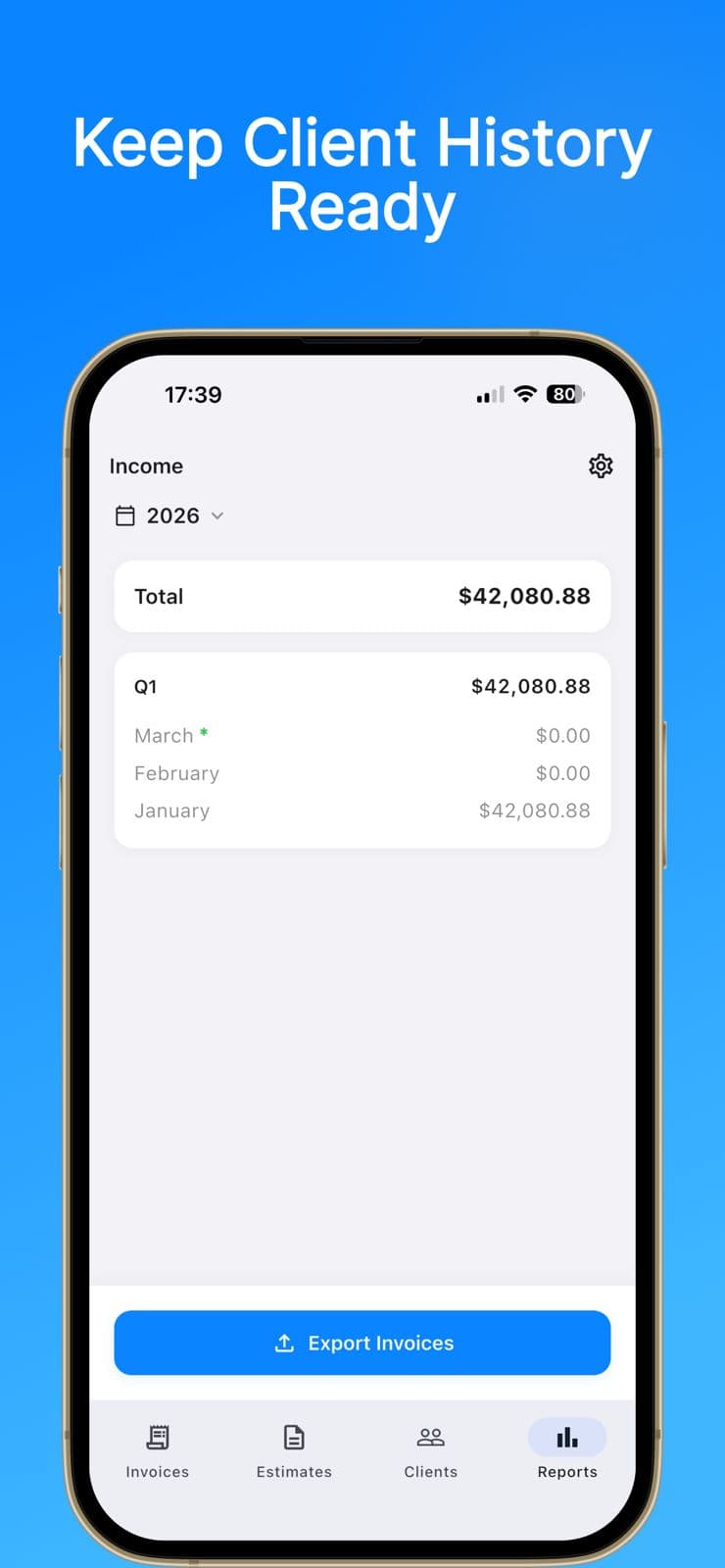
Reporting
Review paid invoices by year and quarter. Export a CSV when you need to hand data off to your accountant or run your own analysis. Supports 47+ currencies.
The app is structured around the real sequence of billing work, so the next action is always obvious.
Add your business profile, logo, contact details, and the clients or catalog items you bill regularly.
Build an invoice or estimate, fine-tune taxes and discounts, then preview it with your preferred PDF template and colors.
Share the PDF, track whether it is sent or paid, convert estimates when needed, and export reports when finance needs backup.
Create your first invoice in minutes, straight from your iPhone or iPad.